
The Claude API uses standard HTTP status codes, but each code points to a different kind of problem. Some are about the request you built, some about your account, key or limits, and some about the provider being busy. Sorting your error into one of those three groups tells you immediately whether to edit code, check settings or just wait.
Group 1: fix the request (400, 404, 413)
A 400 means the request is invalid: the body or content does not meet the API requirements. Compare the exact payload with the documented requirements for that endpoint before you resend it. One detail is easy to miss: an organization or workspace spending limit can also produce an HTTP 400, so if the body is valid, review those limits instead of retrying unchanged. A 404 means the endpoint path or a resource ID is wrong or unavailable, so validate the URL against the official endpoint documentation and recheck the identifier. A 413 means the request body is larger than the endpoint allows, so trim or split the content to fit the documented limit.
Group 2: keys, permissions and limits (401, 403, 429)
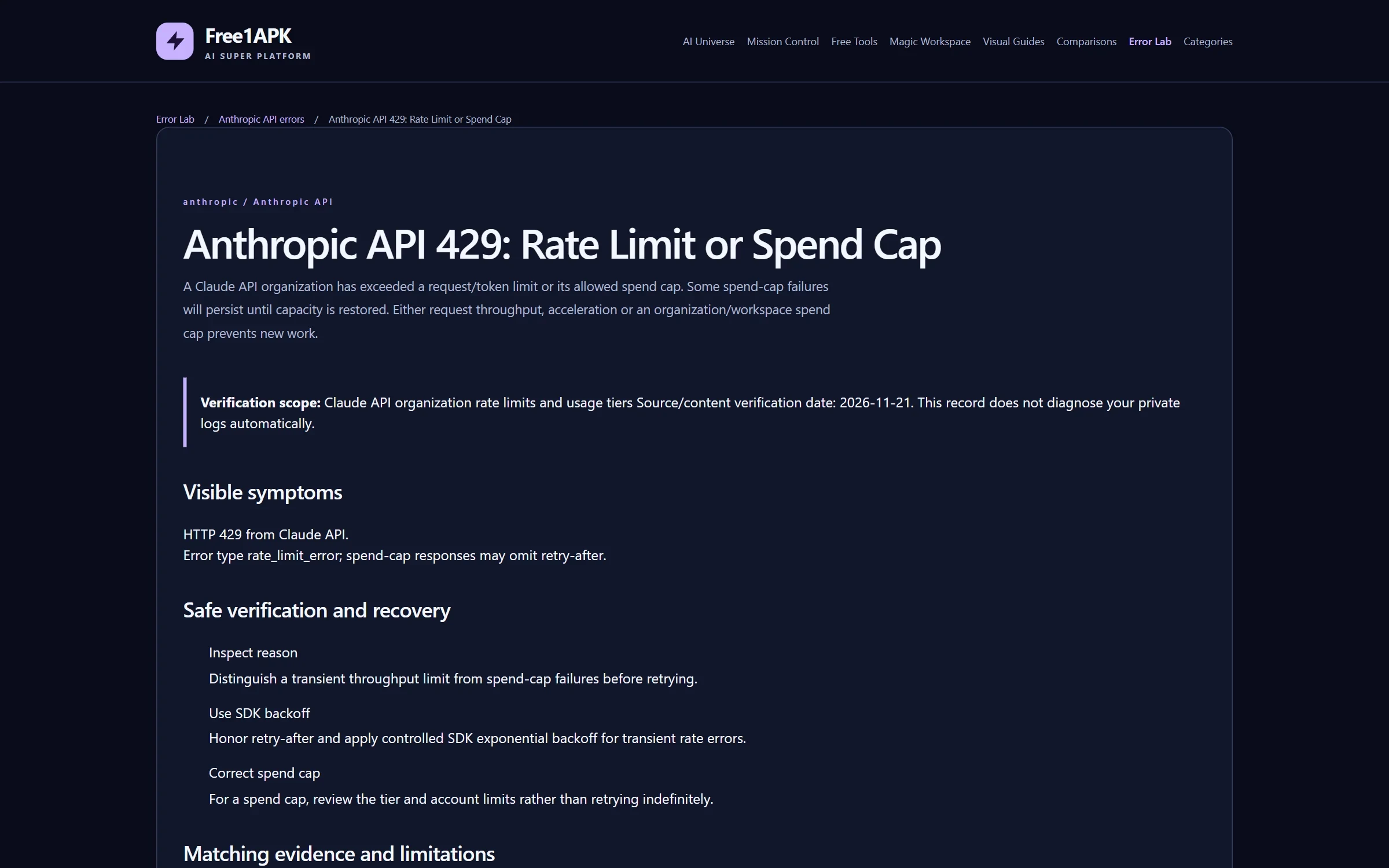
A 401 means the API cannot authenticate the request. The key may be malformed, expired or revoked, and for Claude access hosted on AWS the signature can be rejected, so check AWS credentials and SigV4 configuration in that case. A 403 means the key is valid but not authorized for the resource named in the request, so check the key's organization access and the workspace permissions in the console and ask the workspace administrator for access. A 429 means a request or token limit, an acceleration limit or an organization or workspace spend cap prevents new work. Work out which one it is before retrying: a transient throughput limit responds to the retry-after delay and SDK backoff, while a spend cap needs a change of tier or account limits.
Group 3: provider-side problems (500 and 529)
A 500 reports an unexpected internal failure inside the provider's systems. Use bounded exponential-backoff retries as the documentation recommends, and if it continues, contact support with the request ID and never include credentials. A 529 means the API is temporarily overloaded across users and cannot take a new request at that moment. Retry with a limited exponential backoff, respect any retry-after delay, and remember that the official SDK retries transient errors for you.
A simple way to debug any of them
Step 1 Copy the status code and error type
Keep both, together with the request ID from the response.
Step 2 Place it in a group
Request problem, key or limit problem, or provider problem.
Step 3 Act on that group only
Edit the request, check settings and permissions, or wait with backoff. Do not mix the three.
Related: how to handle AI API rate limits and retries
Checked on 2026-11-22 against the Claude Platform API error documentation. Provider documentation, plan names and limits change, so confirm anything that affects a purchase or a production system on the official page before you rely on it.