This visual walkthrough demonstrates how to reduce copied image metadata before sharing using Free1APK in your own browser. It uses an original, browser-generated demonstration graphic rather than a stock photograph. Keep the original image and inspect the real output.
Step-by-Step Walkthrough
Step 1 Choose a Still Image
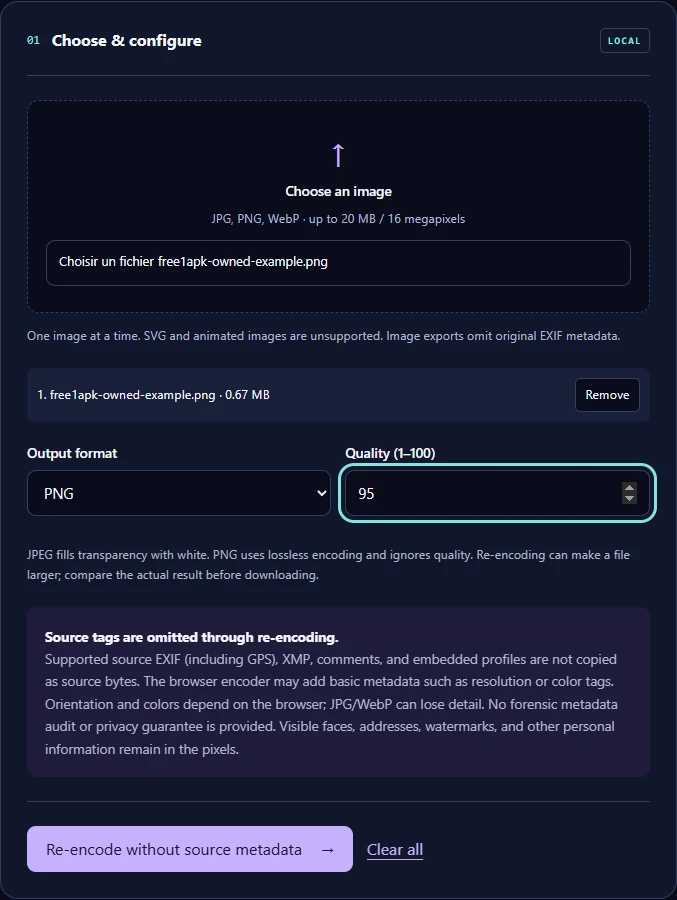
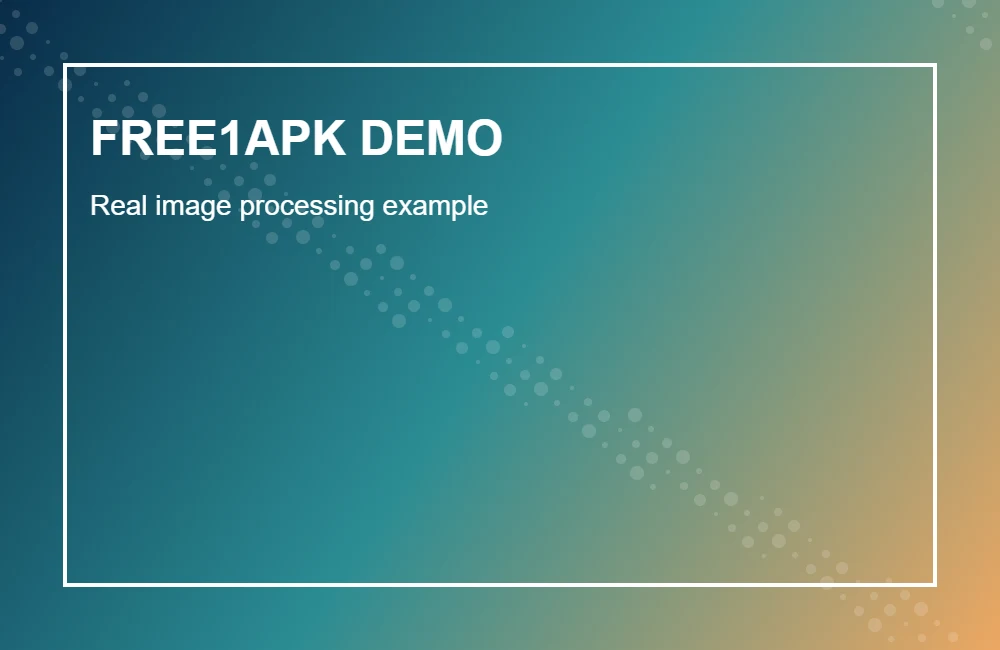
Open the working tool below and select a JPG, PNG or WebP image. Animated images and SVG are unsupported. For this recorded example, the original test image is 1000 by 650 pixels.
Step 2 Configure the Tool
Choose PNG under Output format. The Quality field does not affect lossless PNG encoding. Select Re-encode without source metadata.
Step 3 Run the Tool and Download
Use the tool action button, wait until the output is ready, then download the actual generated file. Confirm the file opens correctly before discarding an original.
What Changed in the Real Example?
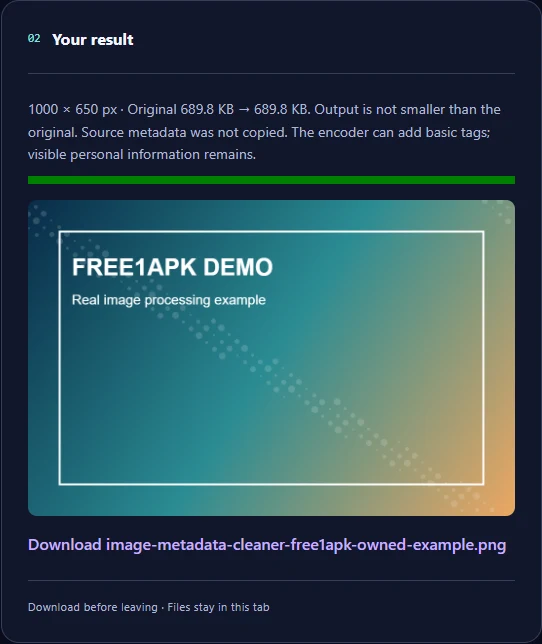
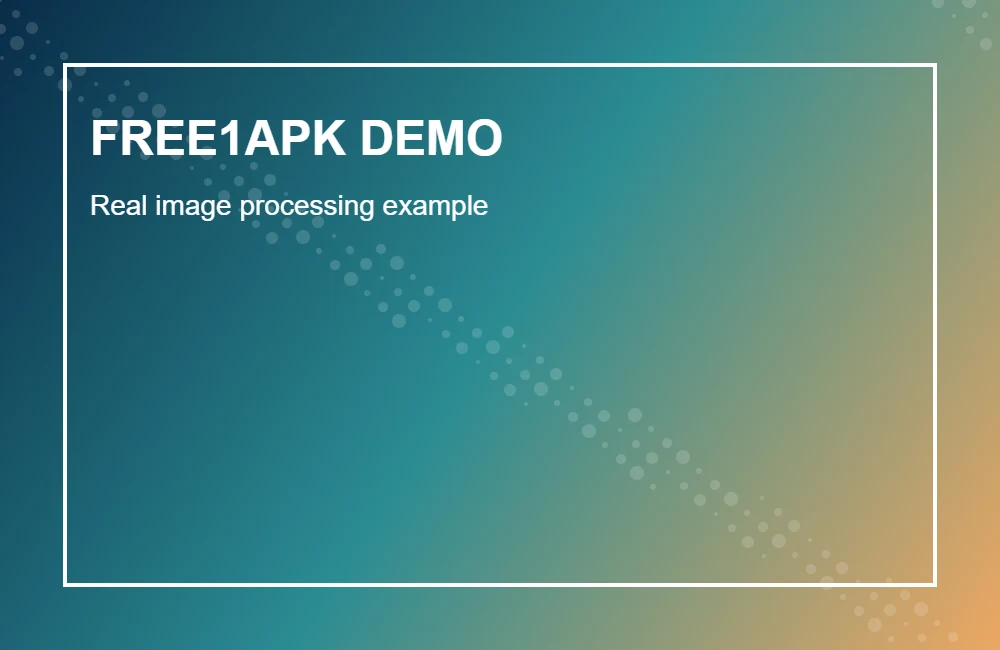
The original recorded image was 689.8 KB. The downloaded output was 689.8 KB and 1000 by 650 pixels. These are measured results of this one demonstration, not guaranteed savings or quality for other images.
Important Limits and Tradeoffs
The browser decodes and re-encodes the pixels rather than copying source EXIF, GPS, XMP, and comments. This is not a forensic privacy guarantee: the encoder may add its own metadata, and faces, addresses or other visible details remain in the image.
Frequently Asked Questions
Does this erase every identifying detail? No. Information visible in the image remains visible. Can browser output add metadata? Yes, an encoder may add basic tags. What about image quality? Re-encoding and color handling depend on the browser; keep the original.
Try the Interactive Tool
The real Free1APK tool below is interactive. Use your own allowed image, configure the controls, process it locally, and inspect the downloaded result before using it on a website or social post.